
Your Guide to

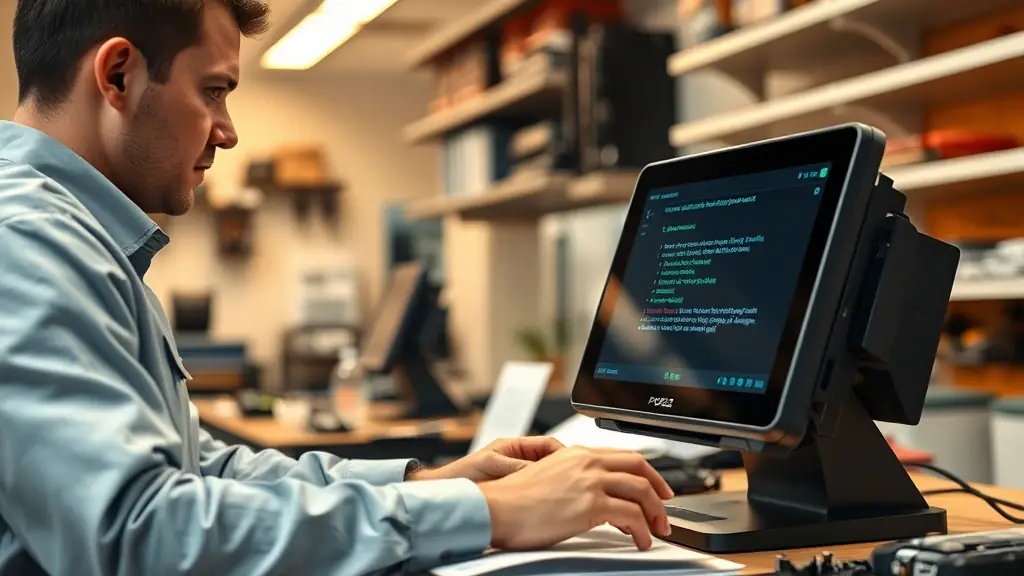
Welcome to pos 실무구축, your go-to resource for expert maintenance tips and troubleshooting guides. We provide practical solutions to keep your systems running smoothly and efficiently. Explore our latest articles and discover how to optimize your operational performance.

Latest Troubleshooting Tips

Explore recent insights on resolving POS issues effectively.

About the Blog

pos 실무구축 is dedicated to providing IT professionals and enthusiasts with practical resources, troubleshooting tips, and maintenance best practices to enhance operational efficiency and resolve technical issues effectively.
active users
0
dedicated readers
0
loyal followers
0
engaged subscribers
0

Maintenance Tips

Troubleshooting Common Issues

Possible causes include excessive background processes, fragmented hard drive, or insufficient RAM. Try closing unnecessary applications, running a disk defragmentation tool, or upgrading your RAM.
Check your network cables, router settings, and internet connection. Restarting your modem and router can often resolve connectivity issues. Ensure your network adapter drivers are up to date.
Verify that your system meets the minimum requirements for the software. Disable antivirus software temporarily during installation. Check for corrupted installation files and re-download the software.
Ensure the printer is properly connected and turned on. Check the printer queue for pending jobs and clear them. Update the printer drivers and restart the print spooler service.
Verify your email server settings, including incoming and outgoing server addresses, ports, and authentication methods. Check your spam filter and ensure your email client is properly configured.
BSOD errors can be caused by hardware or software issues. Note the error code and search online for possible solutions. Update drivers, run memory diagnostics, and check for hardware conflicts.
Get in Touch

Contact pos 실무구축

Have questions or feedback? Reach out to us anytime for support and assistance.